Private
Your photos travel from your phone to your PC. Our website only looks after your account and introduces your devices.
Your photos · Your PC · Your family
DRL-FileSync backs up your phone's photos and videos to your own computer, automatically. No monthly storage bill, and nobody else holding your memories.
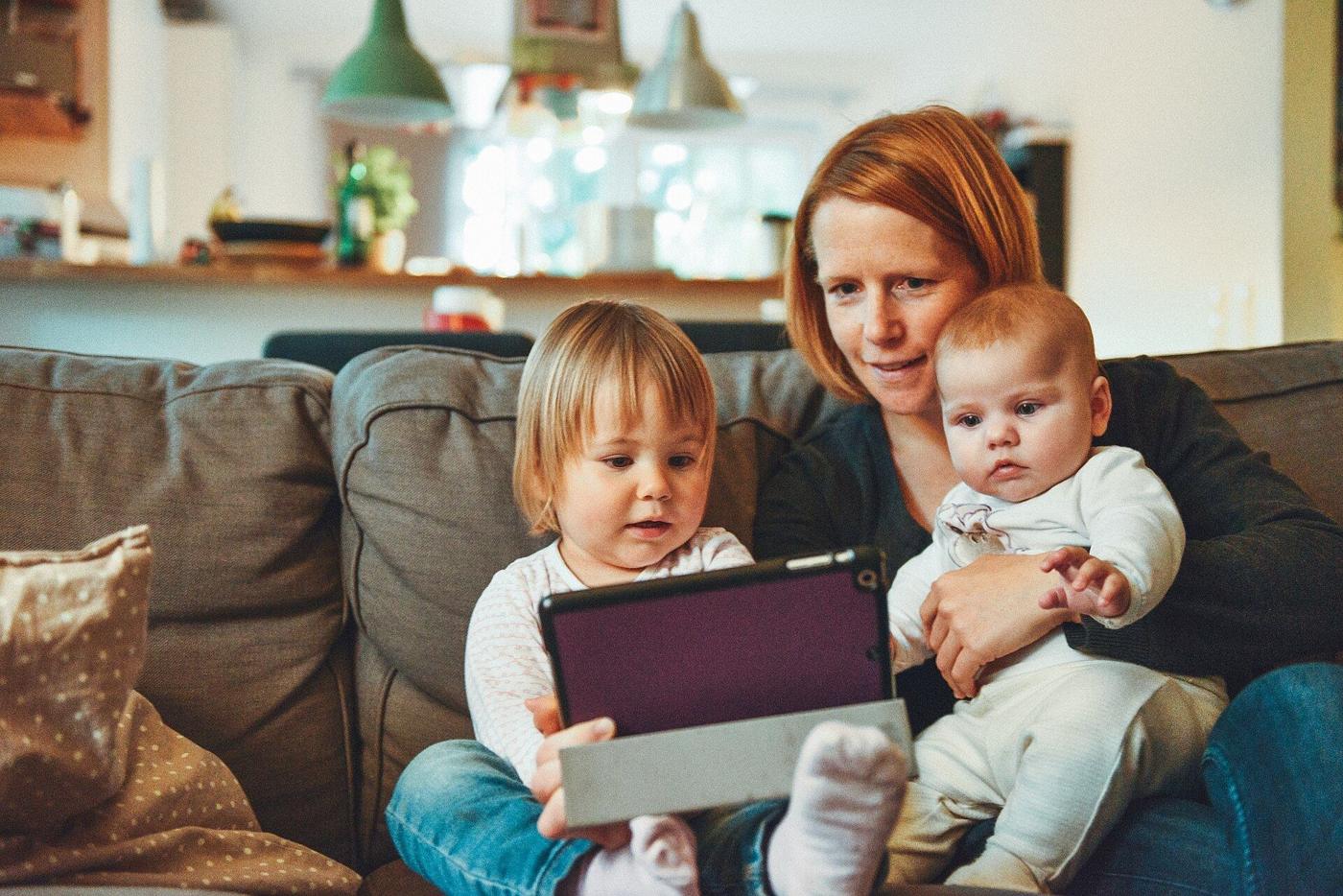 Backed up to your own PC
DRL-FileSync is an app for your phone and a small program for your PC. Together they turn the computer you already have into your own private photo cloud.

Pick the folders you care about and your new photos and videos are sent to your PC on their own, whenever it is reachable. A lost, broken or full phone no longer means lost photos.

The photos on your phone and everything already on your PC appear together, by date. A small icon on each photo shows whether it is on your phone, on your PC, or both.
Phone getting full? Free up space in one tap, once your PC has confirmed it holds your photos. They stay in your gallery.
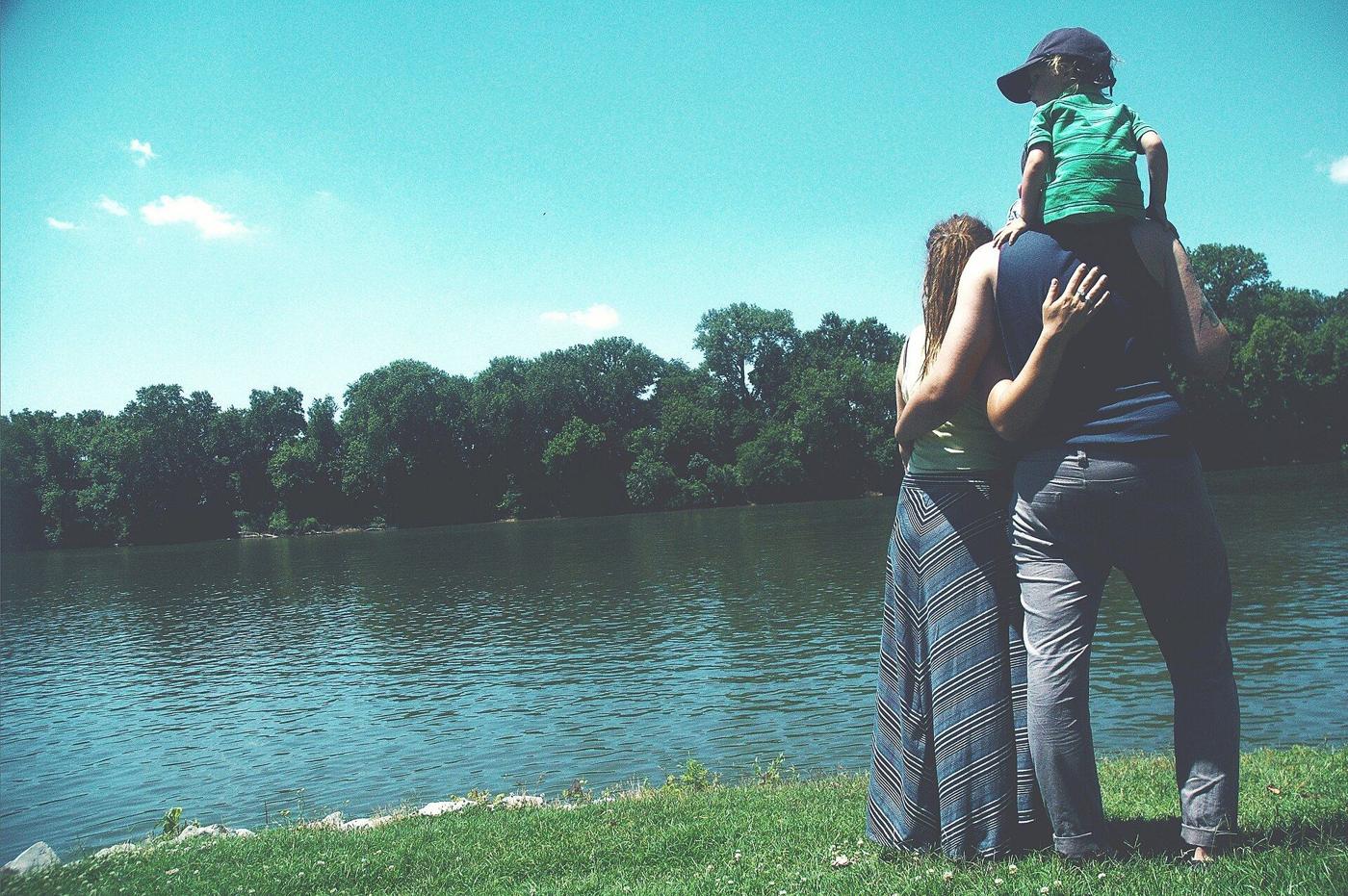
Everyone signs in with their own account and gets their own folders on the family PC. Chat with the people you share with and send them photos and files, straight to their phones.
Connecting more than one phone to a PC needs the Full Access plan (up to 20 phones).

Turn on People and your PC groups your photos by who is in them, so you can open “Mom” and see every photo of her. It happens only on your own PC, it is off until you say yes, and you can delete it any time.
Drive
Put any file on your PC and open it from your phone, at home or away. It works like a cloud drive, except the files sit on your own computer.
Your files stay on your PC, and you can switch on encryption for them. How it works
Your photos travel from your phone to your PC. Our website only looks after your account and introduces your devices.
On your Wi-Fi it is fast and uses no mobile data. Off the shared Wi-Fi it connects over the internet on Basic and Advanced and Full Access.
Deleted photos wait 30 days in a Bin, on your phone and on your PC, before they are gone for good.
Switch on encryption and your PC stores your photos and files scrambled, so only you can open them.
Like the details? There is a page for that.
Run the DRL-FileSync program on the Windows PC that will keep your photos. It shows a QR code.
Open the app, scan the code and tap Sign it in. Your phone and PC are now connected.
Pick your phone's photo folders and let it run. Your photos are on your PC from then on.
Start free. Upgrade only if you want more.
Free
Works on Wi-Fi only.
$1.99 / month
or $19.99 / year
Wi-Fi and the internet.
$4.99 / month
or $49.99 / year
Wi-Fi and the internet.
$9.99 / month
or $99.99 / year
Everything in Full access, plus several phones on one PC.
We don't sell your data, so we need money to run operations. Yes, that really is the whole business model.
Have a promo code? Enter it in the app (Profile) or on your profile page after you sign up.
Create your account first, then install the Windows program on your PC and the Android app on your phone.
Windows 10 or newer, 64-bit. It runs quietly in the tray and keeps your files safe.
Download for WindowsiPhone and Mac versions are not available yet.
No. Your phone sends photos straight to your PC, over your Wi-Fi or, away from home, over a direct connection between the two devices. Our website only keeps your account and your plan, and helps your devices find each other.
To back up and to reach your photos, yes: the PC is your storage. Until it is reachable your photos simply wait on your phone, and they are sent as soon as it is.
Add a backup folder on another drive in the Windows program and DRL-FileSync keeps a second copy of every photo there. It also warns you if a backup sits on the same drive as the original.
Yes, on the Basic and Advanced and Full Access plans. On the free plan everything works whenever your phone and PC are on the same Wi-Fi.
Yes, you can start on the free plan with no payment. The Basic plan adds Internet access, Phones per PC: up to 5, Duplicate servers: up to 1. The Advanced plan adds Internet access, Phones per PC: up to 10, Duplicate servers: up to 2, PC locations online at once: up to 2. The Full Access plan adds Internet access, Phones per PC: up to 20, Duplicate servers: up to 5, PC locations online at once: up to 5. The plans above always show the current details.
Yes. Everyone signs in with their own account and gets their own folders on the shared PC. Connecting more than one phone to a PC needs the Full Access plan (up to 20 phones).
A place on your PC for any file, not just photos: documents, PDFs, videos, whole folders. You browse it from your phone, upload and download, make folders, and open pictures and videos right in the app. It is a normal folder on your PC, so you can also drop files in with Windows Explorer.
No. Your photos live on your PC and our website never receives them, so there is nothing for us to look at, and DRL-FileSync has no ads. The only feature that looks at photos is the optional People feature, and it runs only on your own PC.
DRL-FileSync recognises your PC when you sign in again, so your phones stay paired. It also keeps copies of how it was set up, and offers to bring back your folders and settings before you start over. Your photos and files are not touched.
Only if you say yes. An app can ask for a private folder of its own on your PC. You answer in the DRL-FileSync app, it sees nothing else, and you can remove it at any time. Developers can read how that works.
Android phones and Windows PCs today. iPhone and Mac are not available yet.
More questions? See Help and support, or the technical side if you like the details.
It takes a few minutes to set up and costs nothing to try.
Create a free account